
RLSS UK Account User Interface v4.2 Instructions (2024)
This article will demonstrate how to upload training records for face-to-face on going training sessions.
This will allow uploading and monitoring of ongoing training for NPLQ, NRASTC, SPERA or OWL qualifications.
1. Login to your RLSS UK account at https://rlssuk.tahdah.me/login and navigate to the organisation that you want to create the ongoing training session for.
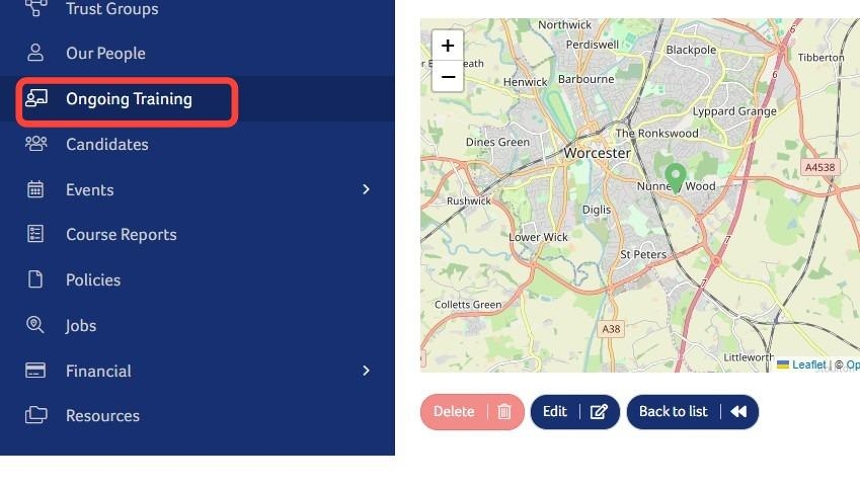
2. Click "Ongoing Training"
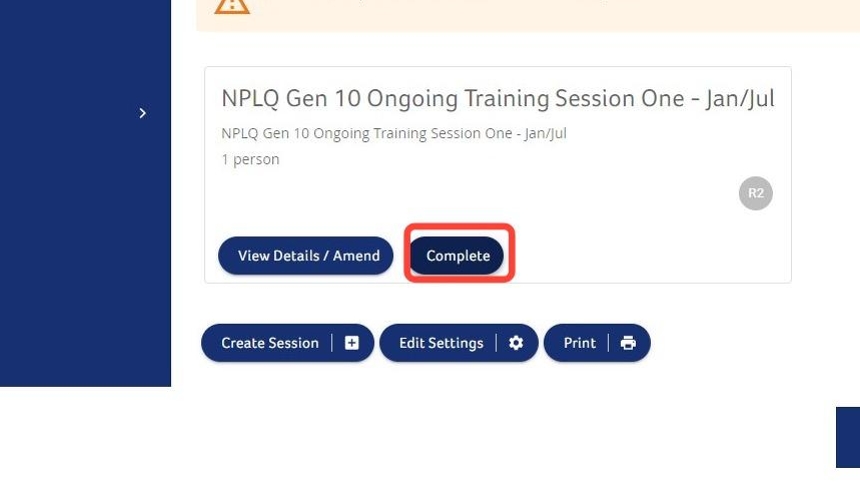
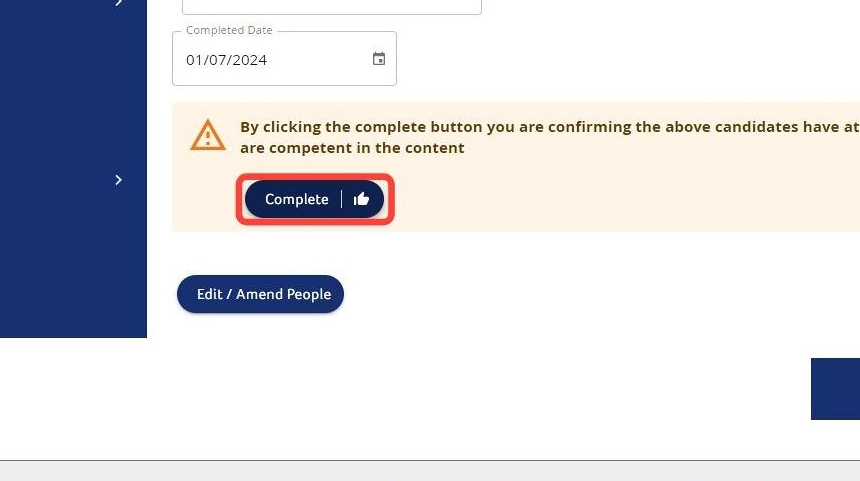
3. Click "Complete"
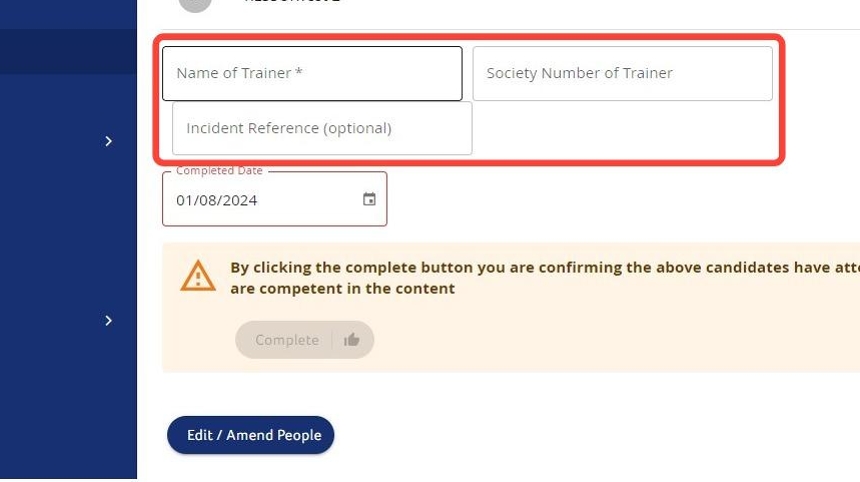
4. Enter the "Name of Trainer *", "Society Number of Trainer" (if known), and "Incident Reference" (if used).
5. Click the calendar icon to select the date of the session.
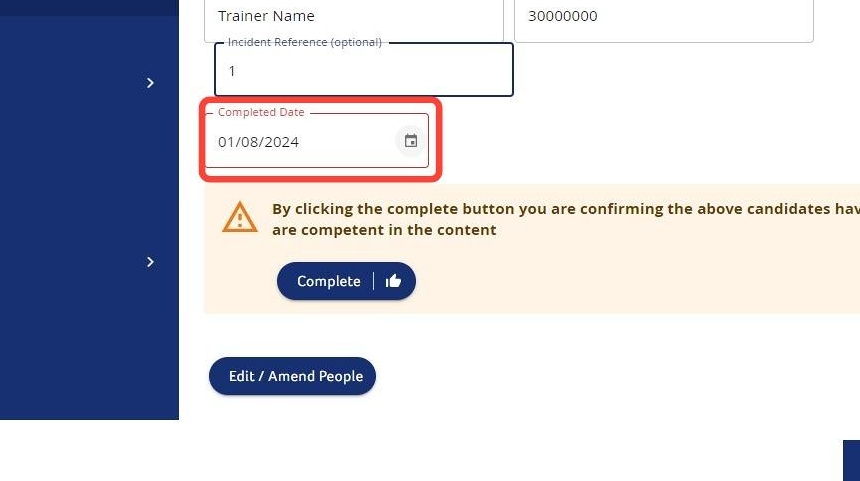
6. Click "Complete".
Need More Information?
Qualifications and Awards | Water Safety Advice | My RLSS UK
For more ways to contact us, visit www.rlss.org.uk/contact-us.