
This guide provides a quick way to access and download official staff training and CPD documentation from the RLSS UK portal. It is perfect for administrators or managers needing to keep accurate records of their team's professional development and valid awards.
1. Navigate to organisation that you want to see the member records for.
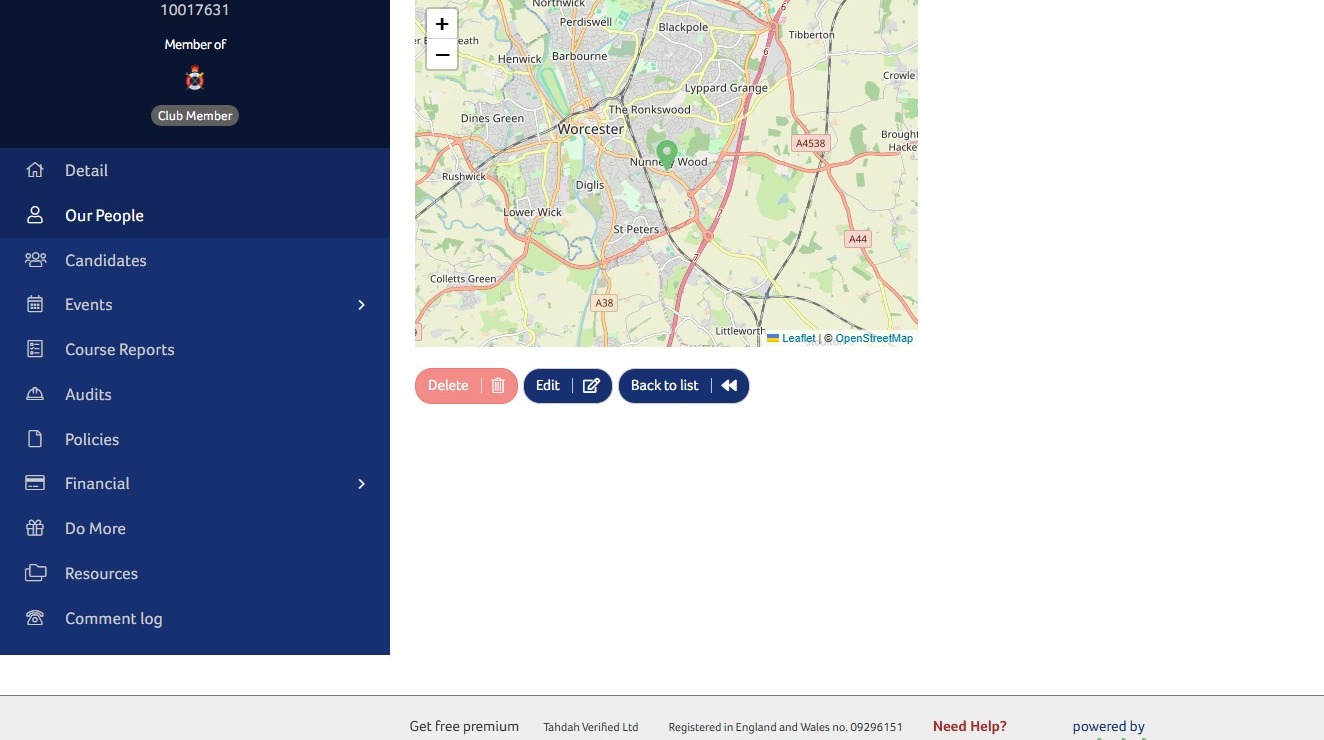
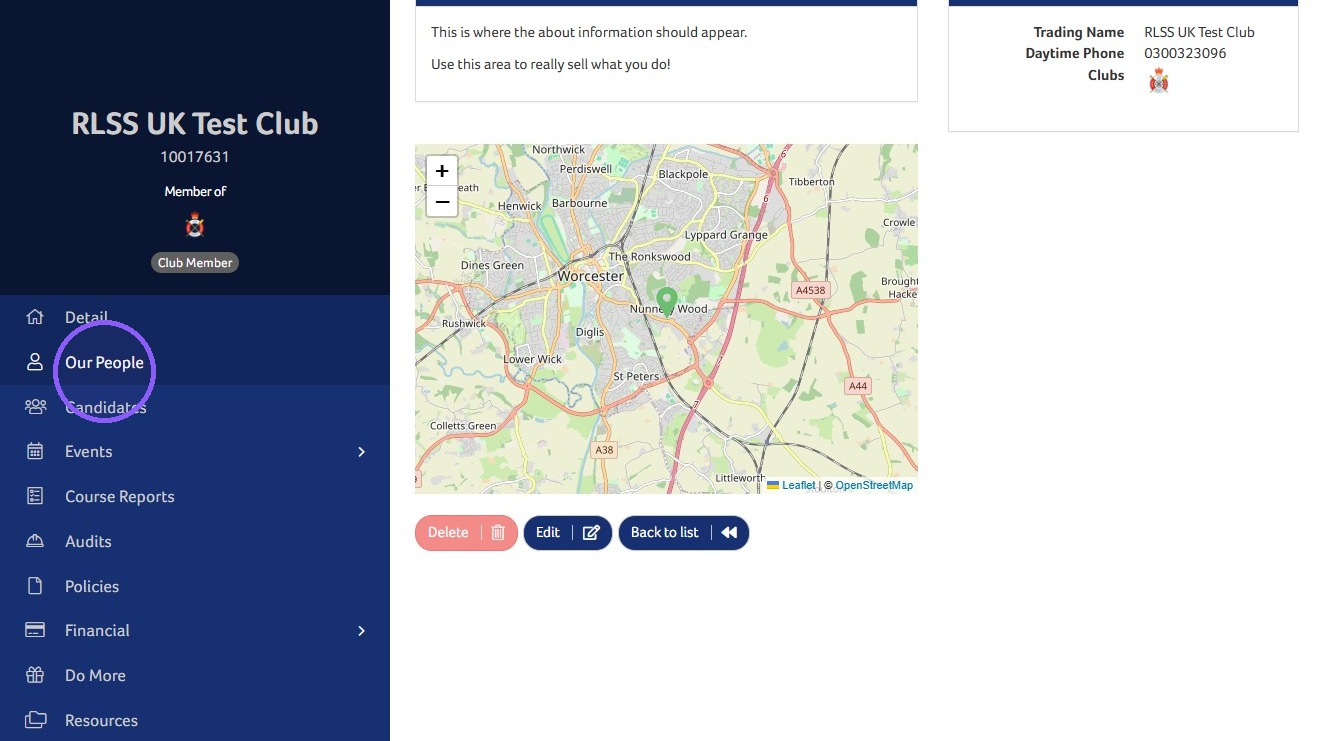
2. Click Our People.
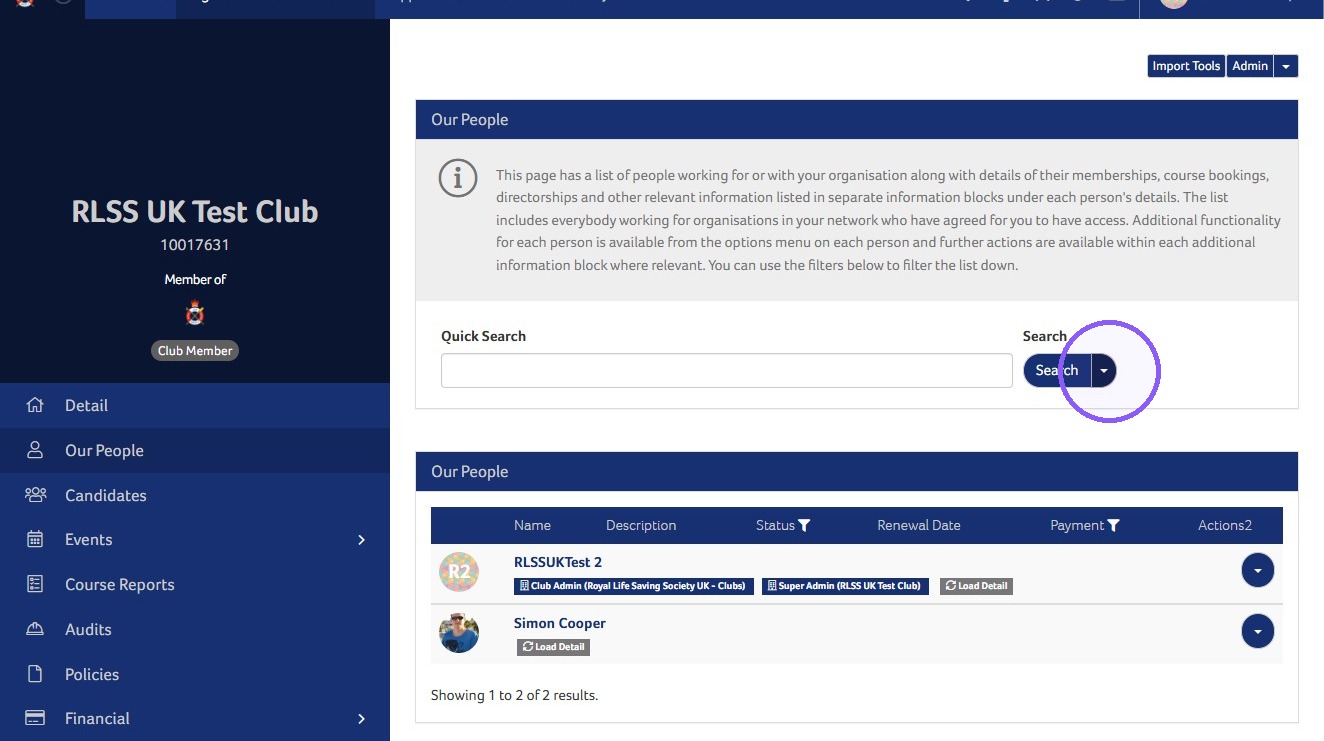
3. If the member hasn't be added to the Our People list please add them first. You can find details on how to do this here: How to Add Members to the Club - RLSS UK Help Centre - Royal Life Saving Society UK (RLSS UK)
4. Click the Search dropdown arrow.
5. Click Download Staff Training/CPD.
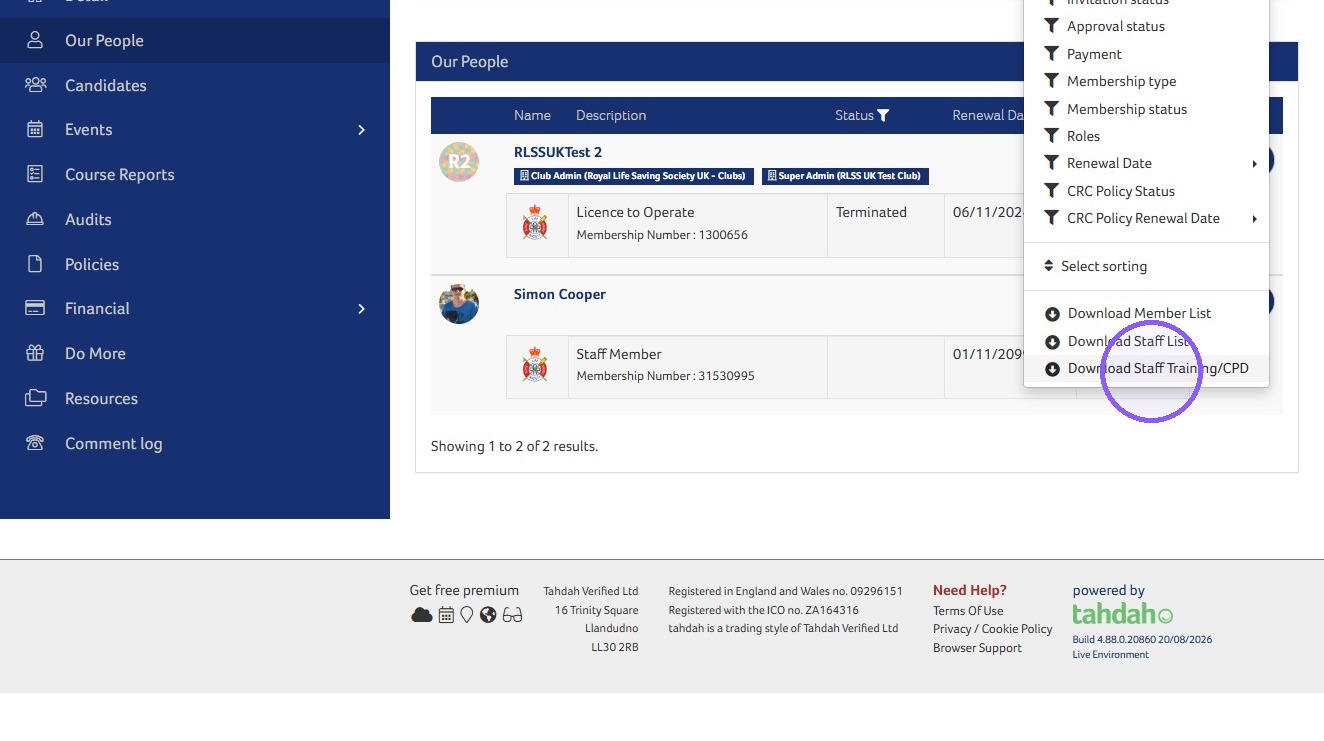
Tip: This will download a spreadsheet with all of the listed people's awards and CPD
Need More Information?
Qualifications and Awards | Water Safety Advice | My RLSS UK
For more ways to contact us, visit www.rlss.org.uk/contact-us.